Alarm clock type
Digital Alarm Clocks: Readability Without Bedroom Glare
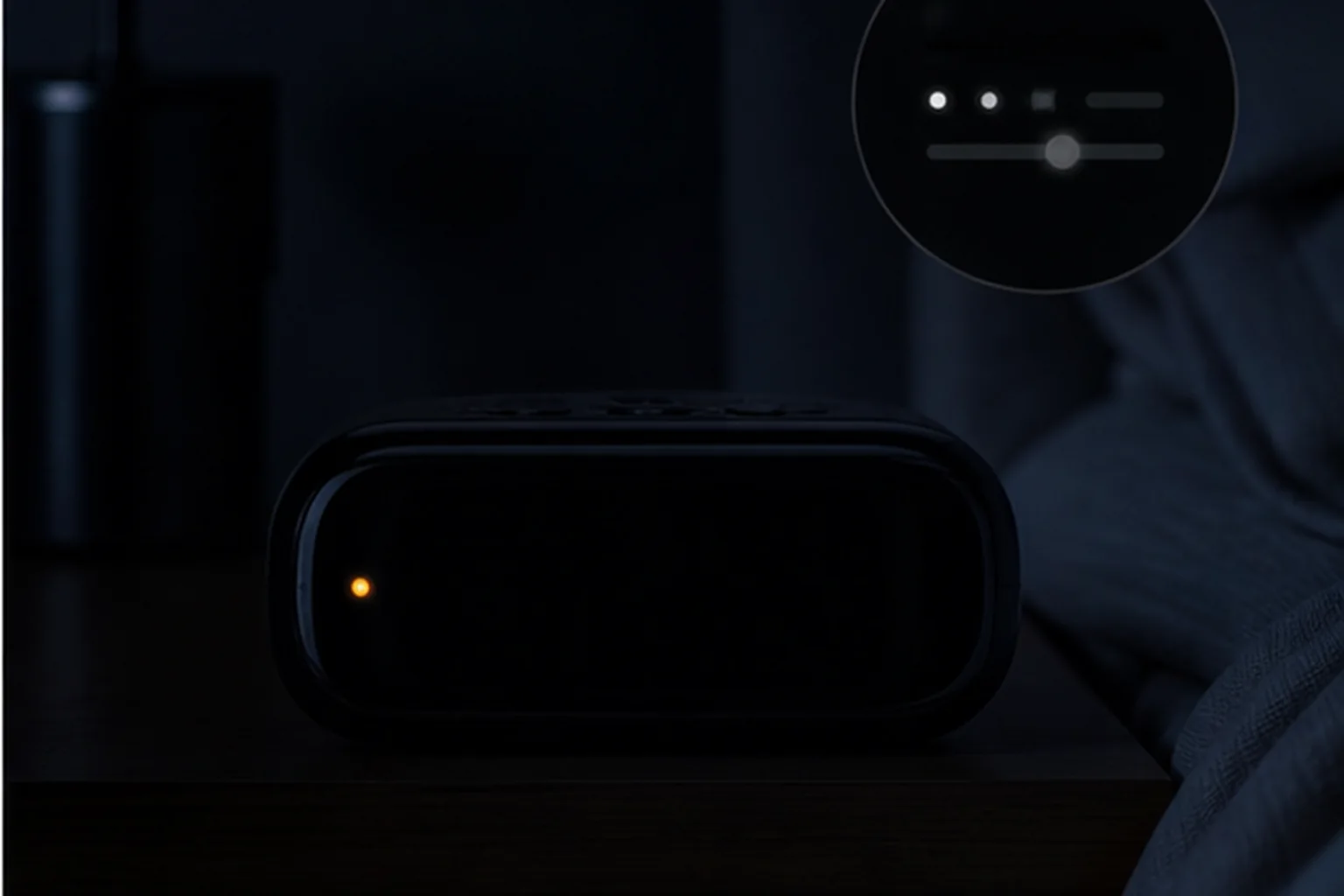
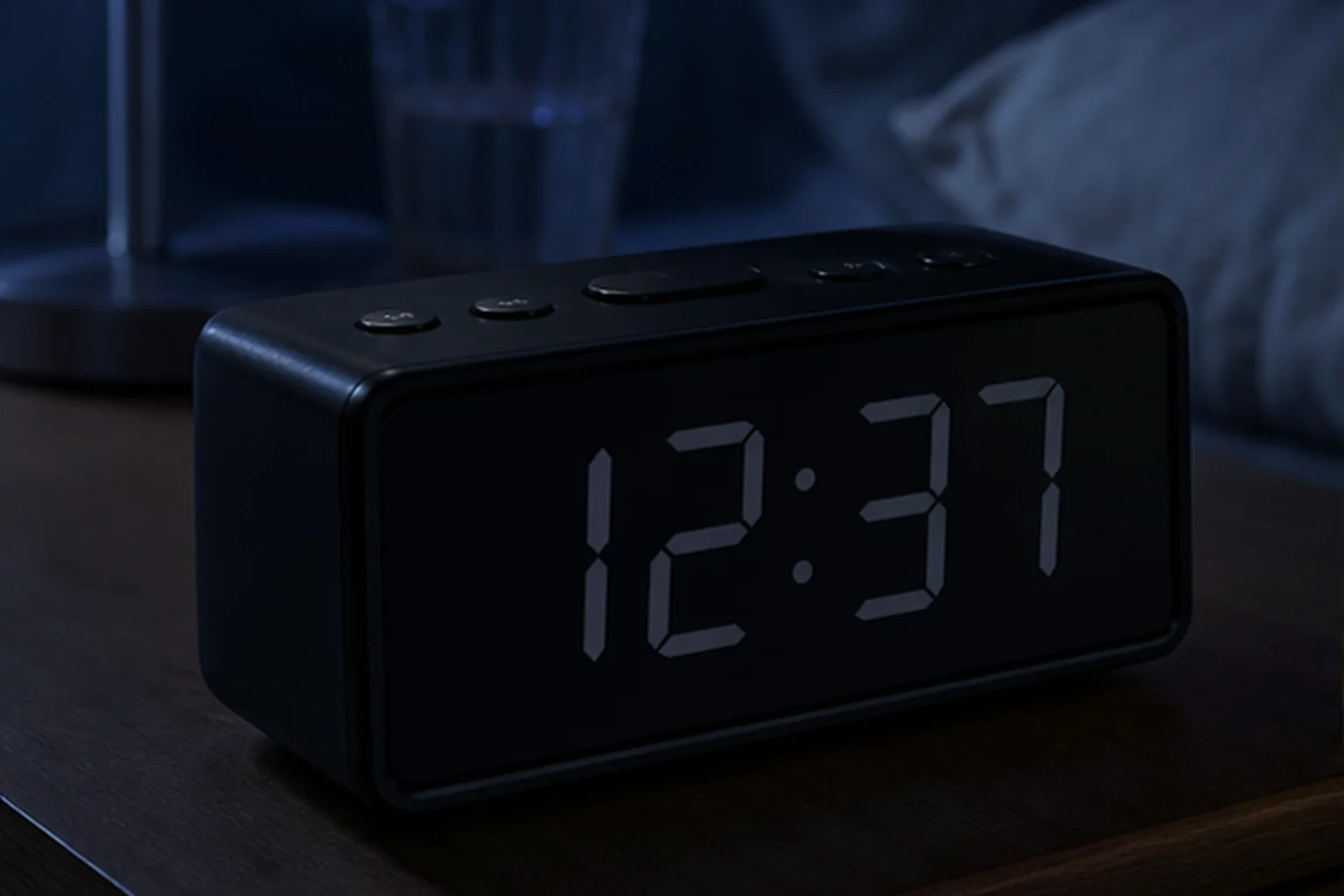
A large display helps only when it remains readable at the intended distance and can become dark enough for the bedroom.
The decision first
Choose the display and the power path separately
Choose a digital alarm clock by three separate requirements: a readable display, the alarm schedule you need, and what happens without outlet power. A brightness control does not prove complete darkness, and a backup battery does not prove a working alarm. Compare the exact model before choosing digit size.
The three examples below narrow specific choices; they are not a tested ranking.
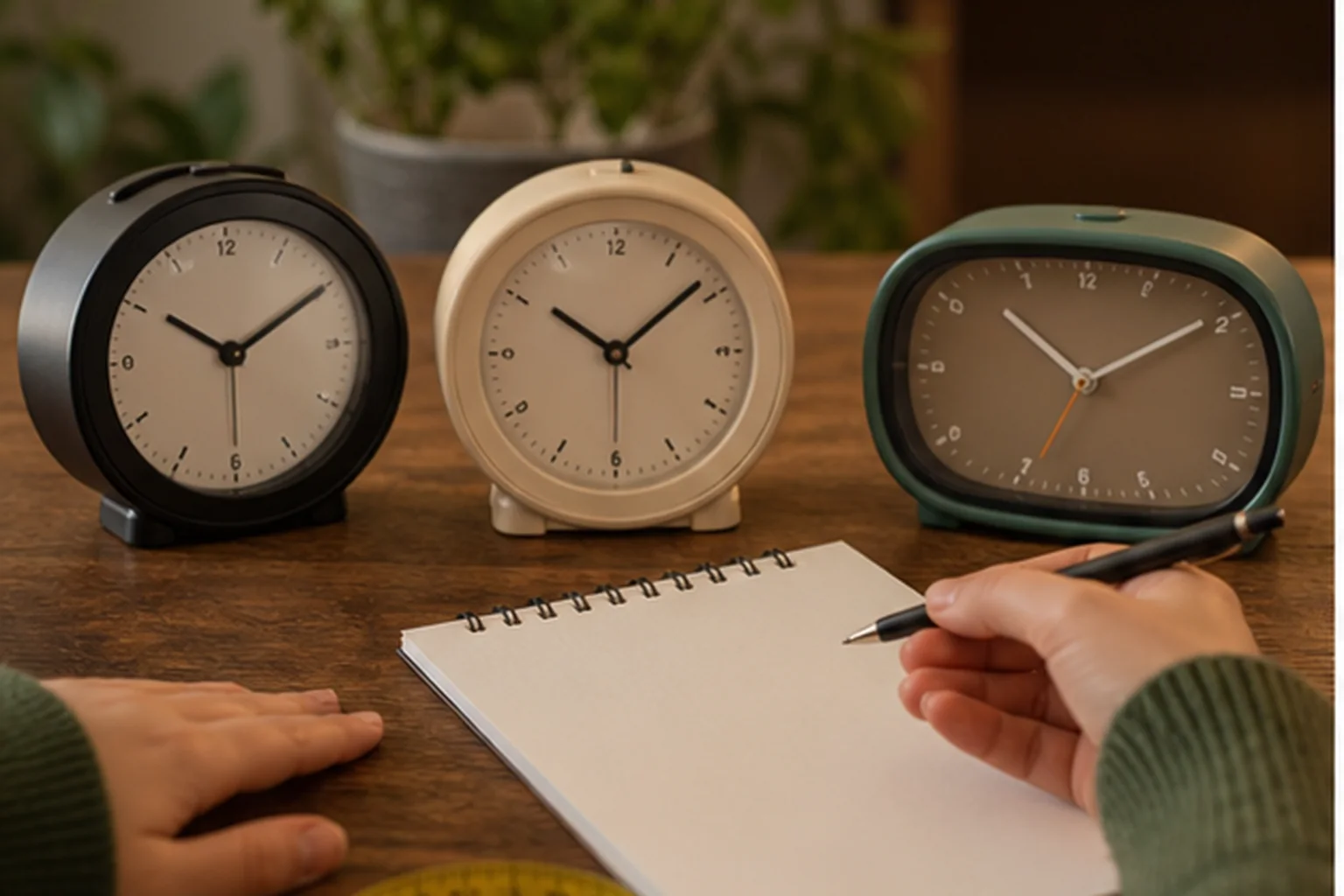
If you are still weighing a digital display against a dial, compare analog and digital alarm clocks by alarm setting, night visibility and power behavior.
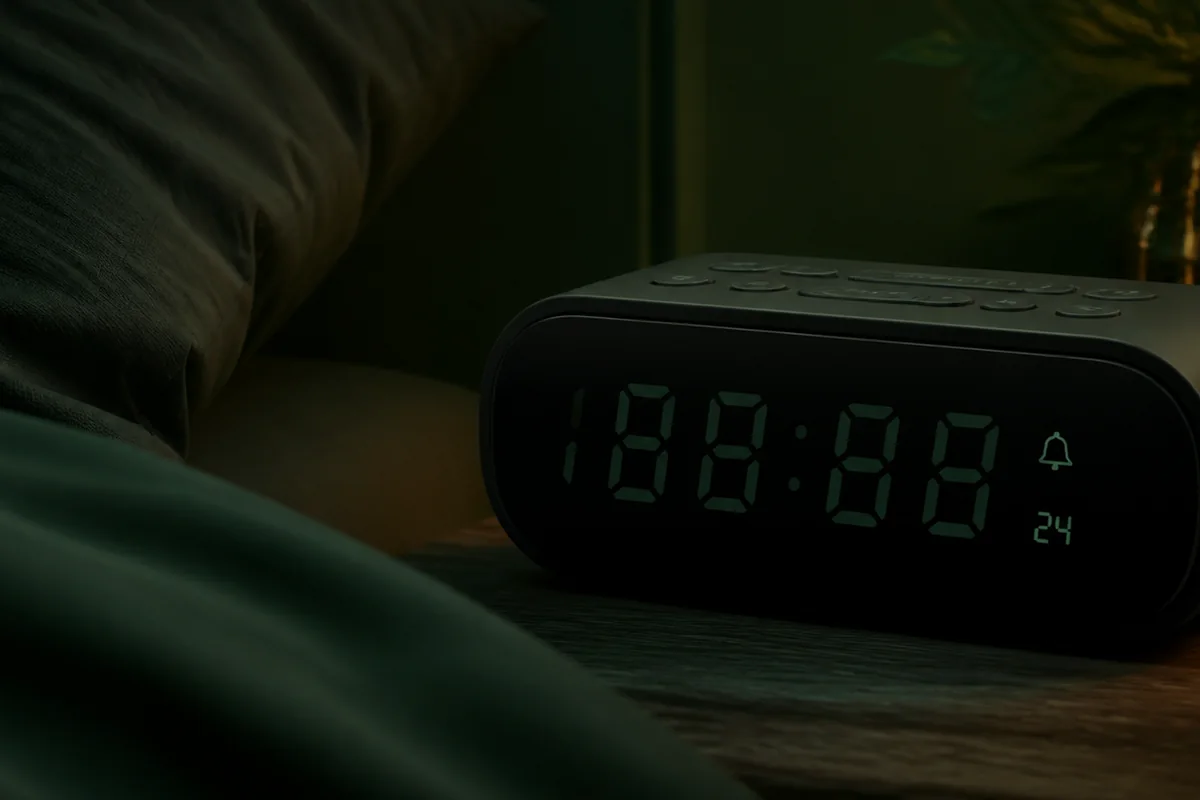
Nonnegotiable checks
The criteria that can change the answer
Read distance
Match digit size to the bed, desk, or across-room position.
Minimum brightness
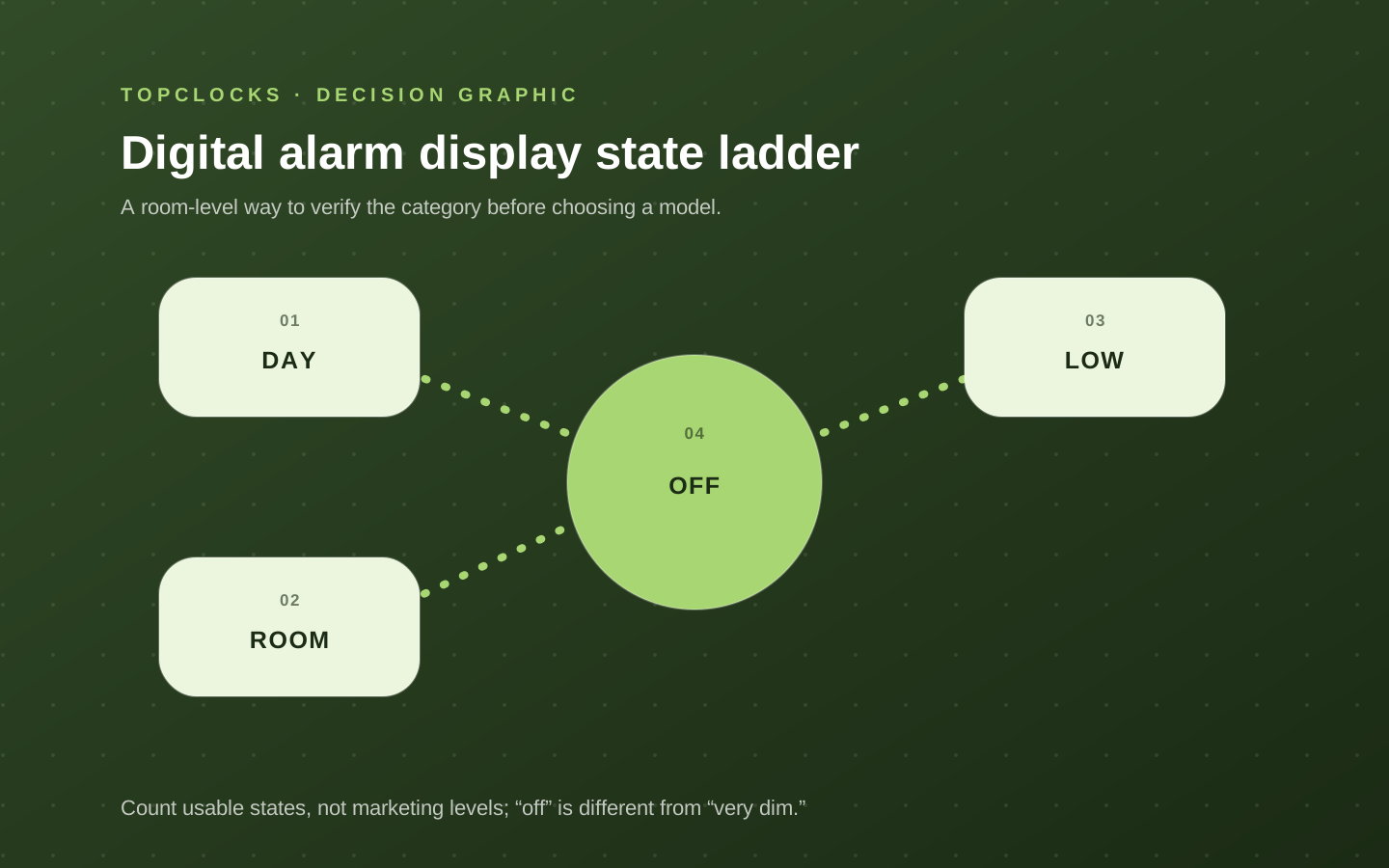
A low setting may still glow; display-off is a separate feature.
Button map
Alarm and time controls should remain distinguishable at night.
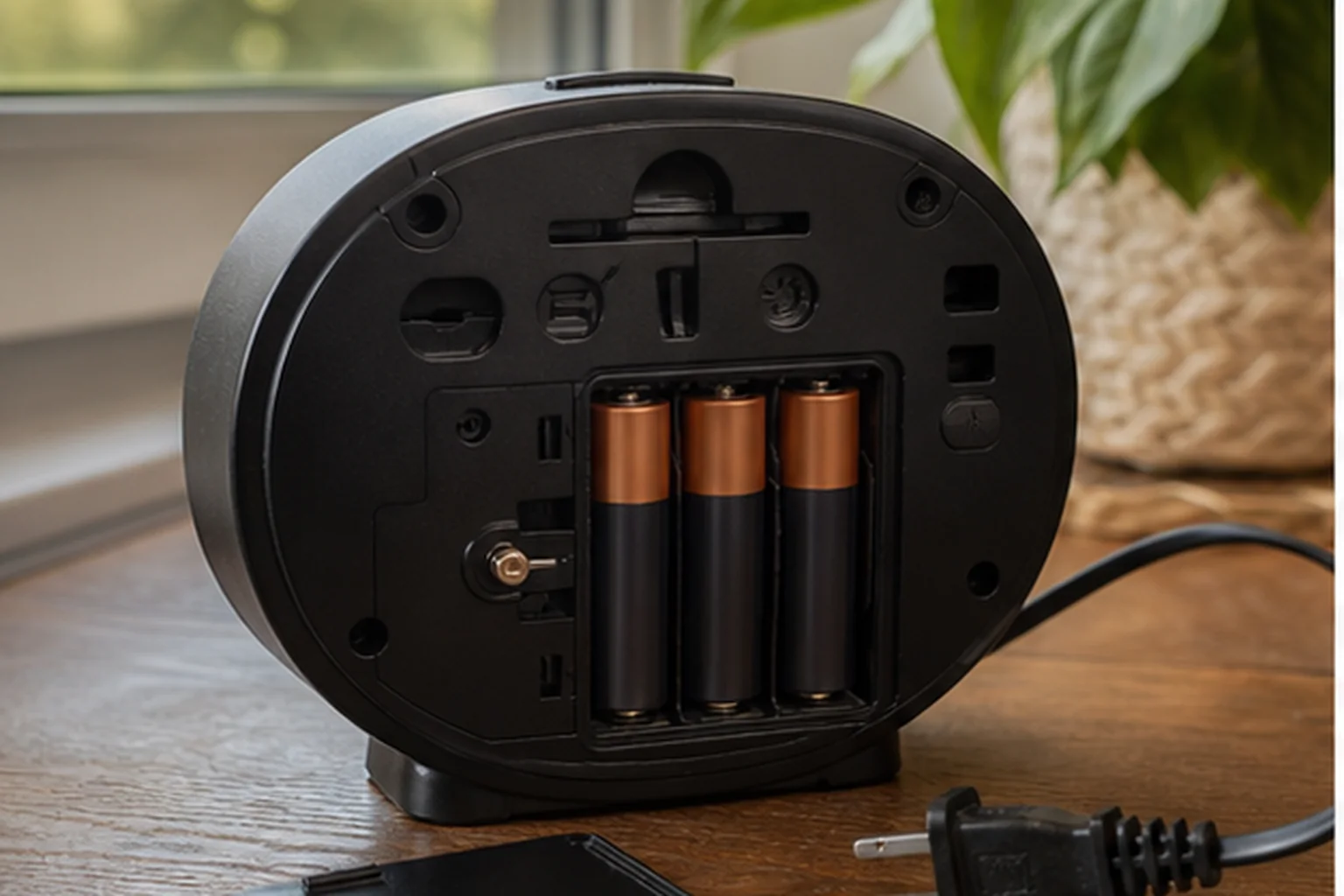
Power state
Confirm whether backup sounds the alarm or only saves settings.
We may earn a commission when you buy through links on this page. As an Amazon Associate I earn from qualifying purchases.
Compare three documented display and power combinations
These three examples come from the existing product cards. They compare display measurements, alarm controls, and power loss; they do not replace the full set of candidates below.
| Exact listing / review | Display and control | Alarm and time controls | Without outlet power | Check the listing |
|---|---|---|---|---|
| DreamSky DS312 ASIN B07R9ZFB4C | Two-inch digit height; adjustable display dimmer | One alarm; nine-minute button snooze | Two AAA retain settings only. The screen is blank and the alarm does not sound. | Check Amazon listing |
| DreamSky DS305 ASIN B0829JRQB6 | 4.3-inch LCD screen; seller-stated 0–100% dimmer | Four U.S. time-zone choices and Auto DST setting; eight-minute snooze | The button cell retains settings, but does not run the display or sound the alarm. | Check Amazon listing |
| MeesMeek folding digital clock ASIN B0BK95CGNG | 3.54-inch LCD screen; backlight lasts five seconds per press | 12/24-hour format; optional Monday–Friday alarm mode; nine-minute button snooze | Two AAA power normal operation. This is not a memory-only backup arrangement. | Check Amazon listing |
Open the three exact retailer records used for this comparison.
The seller records support these details, not tested readability or reliability. Screen size and digit height are different measurements. Confirm the model and current listing variant before transferring a feature.
Role-based product shortlist
Models worth comparing for this decision
These are desk-researched candidates, not a claim that one clock wins for everyone. Each card explains the scenario it fits, the limitation to verify, and the primary source used for the factual details.
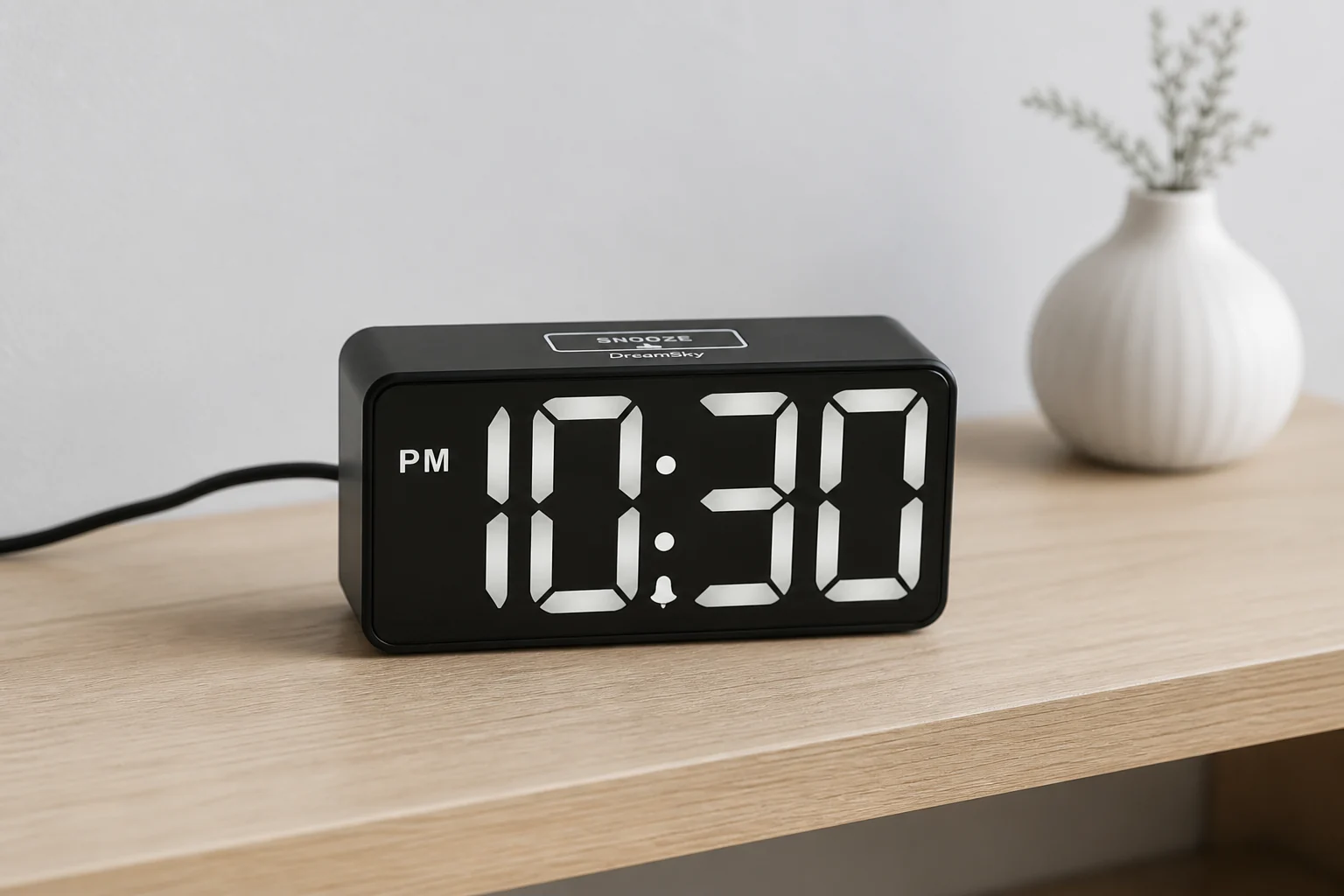
Compare for a digital display that can go fully dark
DreamSky DS312
DS312 is the compact display-first option when a continuous dimmer, adjustable alarm volume, and a convenience USB output matter more than outage operation.
DS312 pairs two-inch digits with a continuous brightness wheel, adjustable alarm volume, nine-minute snooze, and a USB charging output in a compact plug-in clock.
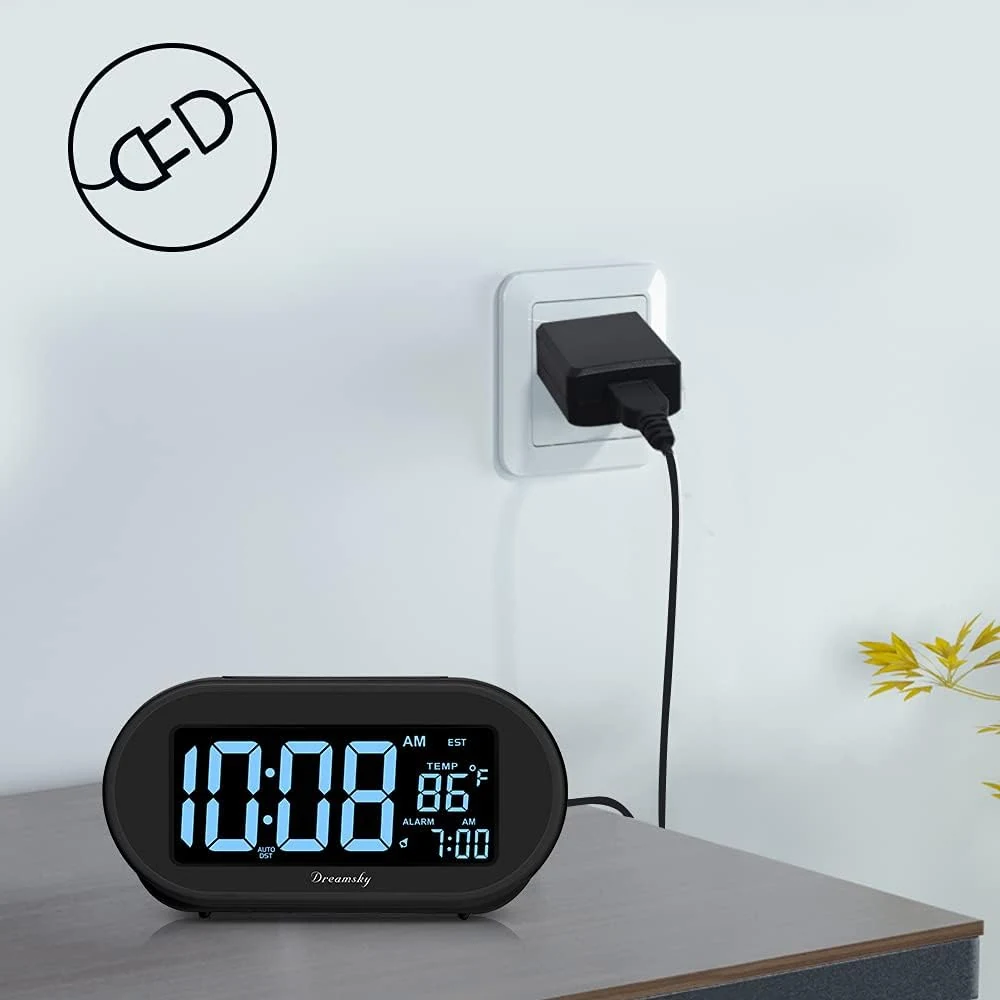
Compare for simple auto-set time without an app
DreamSky DS305
DS305 is the low-friction route when stored time, a four-zone shortcut, physical controls, and a display that can go fully dark matter more than live synchronization or several schedules.
DS305 starts from factory-stored time, then asks for one of four continental US time zones and an Auto DST choice. Its 4.3-inch LCD, continuous dimmer, single ascending alarm, physical controls, and USB charging keep the bedside routine deliberately simple.
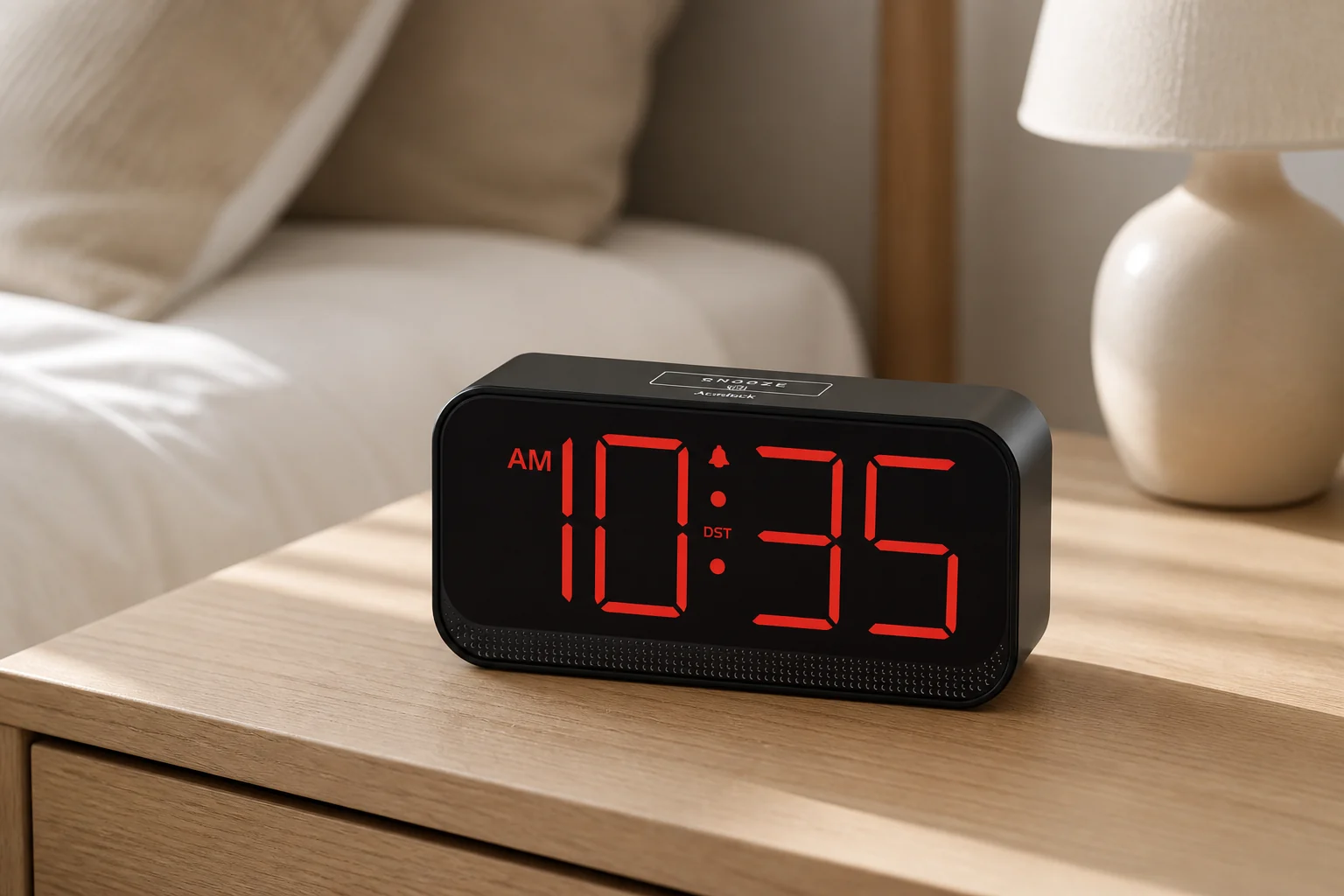
Compare for large cordless LED digits
Acedeck Battery-Operated Alarm Clock
Acedeck is the unusual cordless LED route: four AA cells keep large red digits visible without an outlet, with battery maintenance as the direct trade-off.
Acedeck uses four AA alkaline cells to run its large red LED display and audible alarm away from an outlet. It also accepts USB-C power and offers automatic dimming, three manual levels, display-off, and three alarm-volume choices.
Compare for a foldable two-AAA travel clock
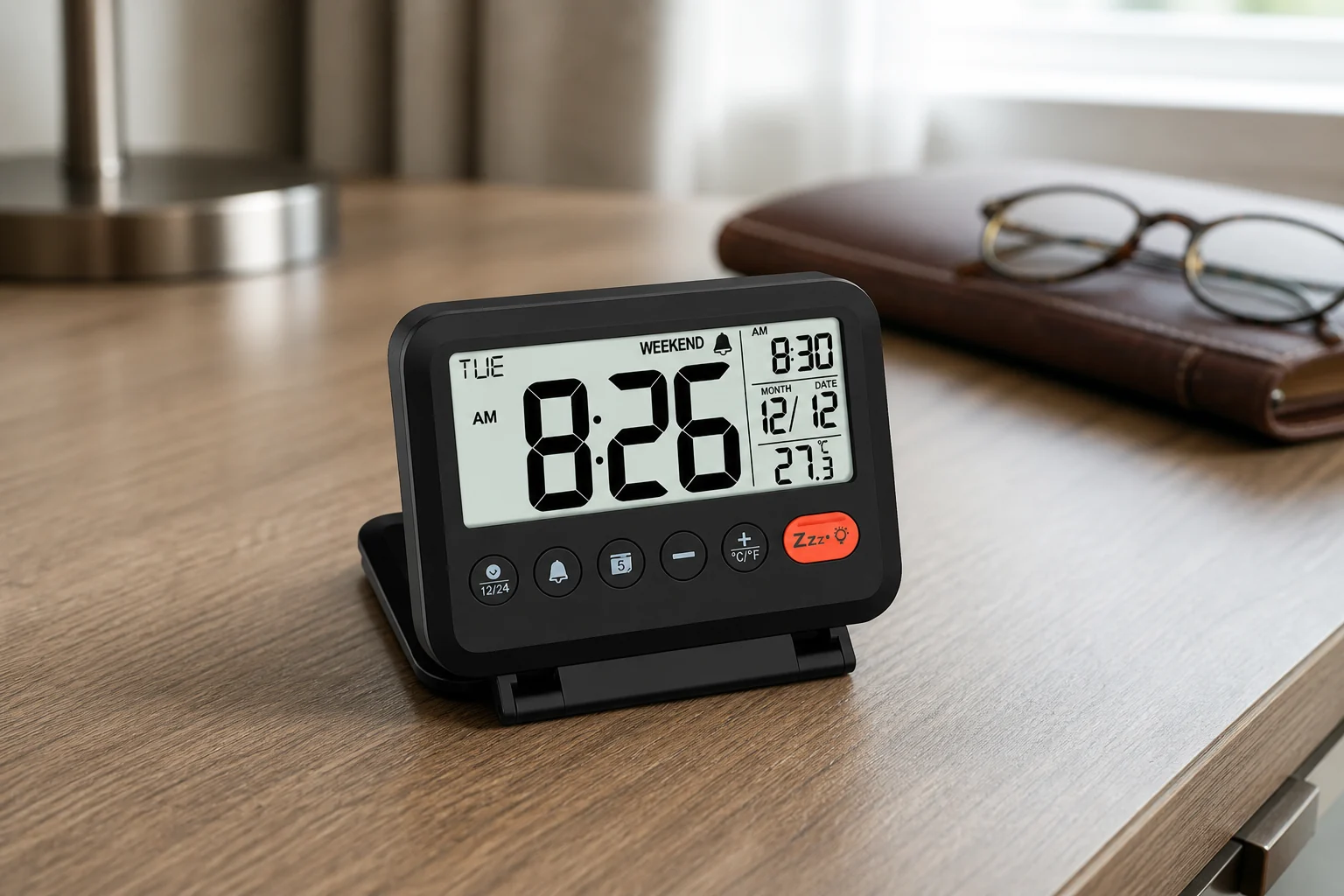
MeesMeek Digital Travel Alarm Clock
MeesMeek favors a passive LCD and two AAA cells, adding weekday-only recurrence and a folding body instead of continuous illumination.
MeesMeek combines a folding four-inch body, passive 3.54-inch LCD, two AAA batteries, weekday-only alarm mode, two listed volume levels, nine-minute snooze, and a five-second backlight.
Compare for stored sleep sounds and a display that can go fully dark
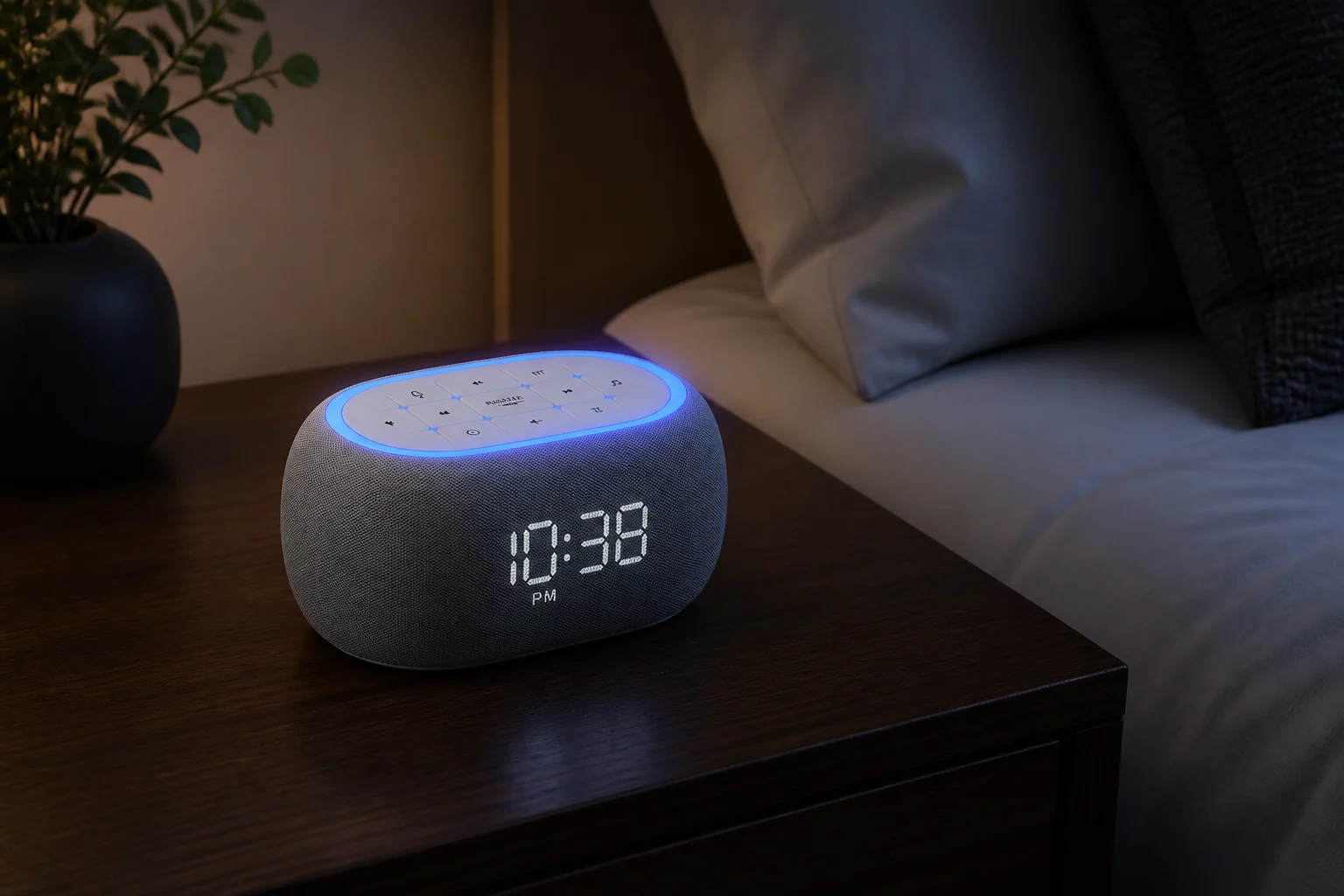
ANJANK White Noise Sound Machine Alarm Clock
ANJANK combines a clock whose display can go fully dark with stored sleep audio and Bluetooth playback, but it is not an FM/AM radio and has no documented outage alarm path.
ANJANK combines 21 built-in sleep sounds, eight stored wake sounds, Bluetooth playback, dual 10-watt speakers, seven night-light colors, a zero-to-100-percent display dimmer, and one physical bedside alarm routine.
Compare for radio and fuller bedside audio
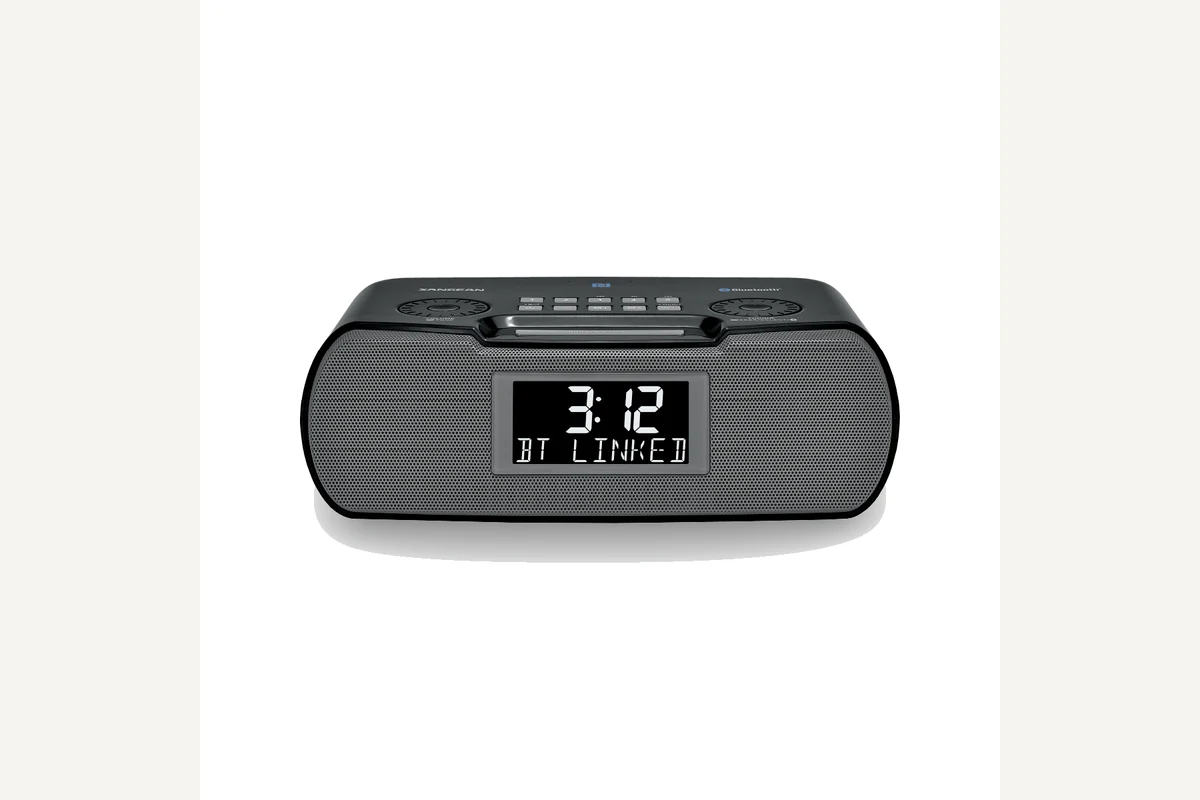
Sangean RCR-20
RCR-20 is for the reader whose digital clock must also function as a capable radio and bedside speaker.
The RCR-20 offers AM/FM-RDS, Bluetooth playback, aux input, an adjustable backlit display, USB charging, and two alarms. The cited US manual documents buzzer, AM, and FM wake sources.
Weekday or weekend alarms with large digits and physical controls
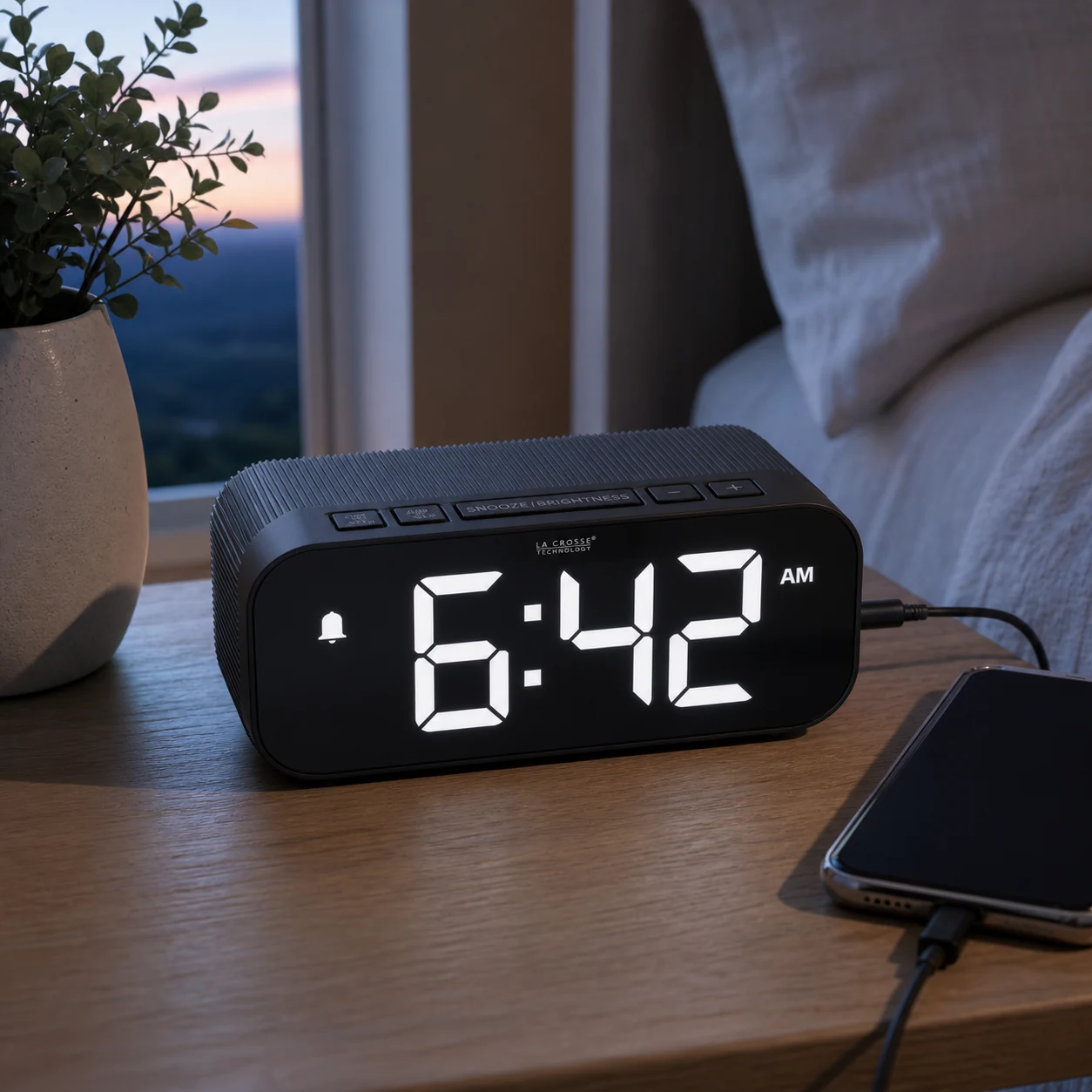
La Crosse Technology 617-714
The black 617-714 has 1.75-inch time digits, daily, weekday, or weekend alarm patterns, and four active brightness settings plus off. Bluetooth copies a phone’s time and calendar; manual time setting is also available.
Controls, alarms and power
Page 6 of the matching setup guide documents a scheduled alarm on two AAA backup batteries with the display dark. Pressing SNOOZE/BRIGHTNESS activates the display for about 10 seconds. This is documented behavior, not a TOPCLOCKS sound-level or battery-endurance test.
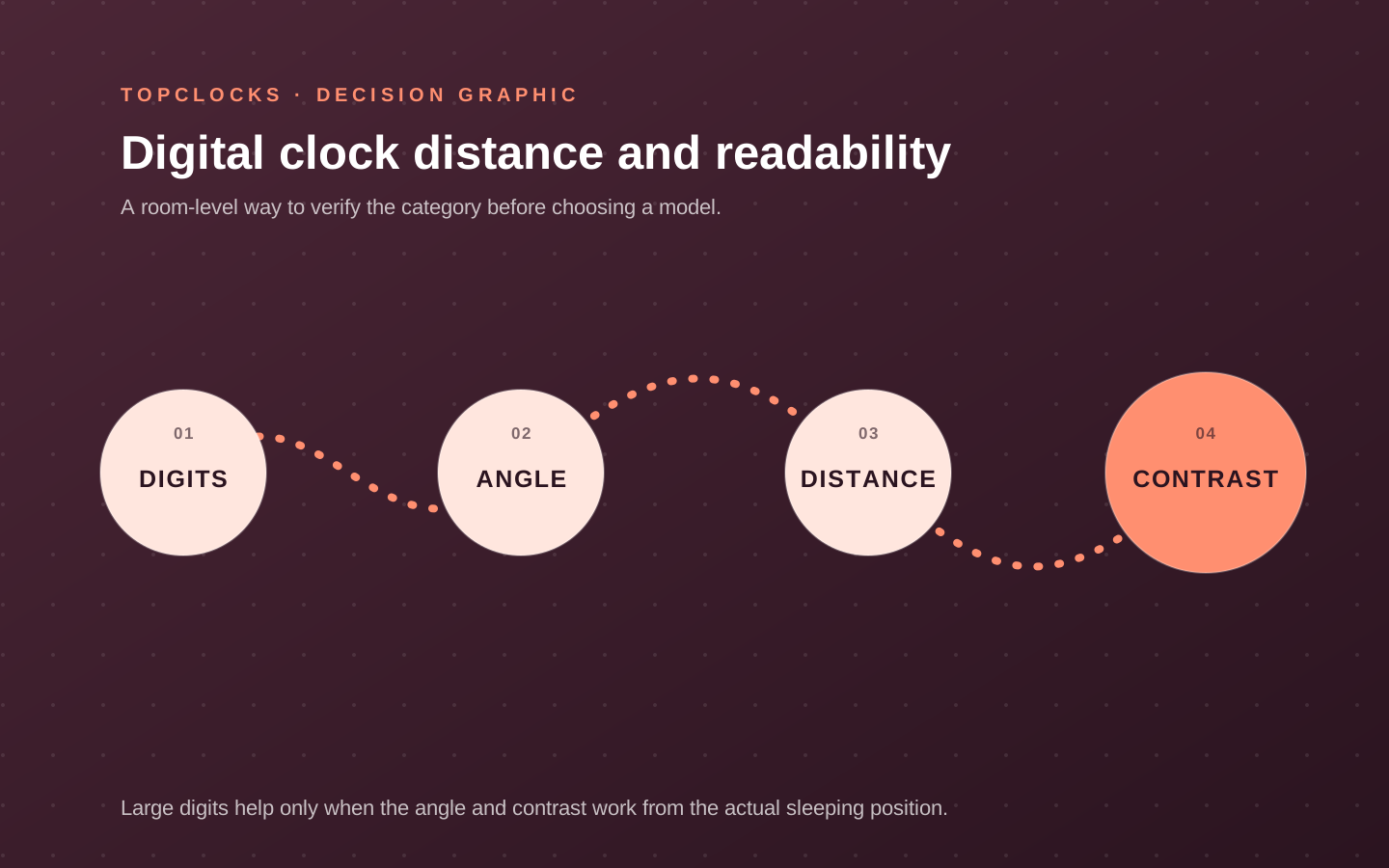
Compare digit height with digit height, not screen size
The DS312’s two-inch figure describes digits. The DS305’s 4.3-inch and MeesMeek’s 3.54-inch figures describe screens, so those numbers cannot rank which time display is easiest to read.
Read the clock from your normal position: from the pillow, from the other side of a shared bed, or across a desk. Check glare and contrast from that angle. Read the alarm-active icons as well as the main time digits; a clear number does not guarantee a clear armed state. Keep decorative case dimensions separate from both screen and digit measurements.
A lowest-brightness setting can still differ from a true off state. Use the display-off and separate-light checklist when complete darkness is essential. It covers digits, icons, projection, and nightlights without assuming one control switches off everything.
Choose the repeat rule before optional bedside features
Check the enabled days and practice stop and snooze as separate actions. Confirm which alarm remains armed afterward. Do not infer a weekday schedule from a manual on/off switch or radio synchronization from the words auto-set.
The MeesMeek listing calls its Monday–Friday setting “Weekend Mode.” It skips weekends while the alarm is enabled; it is not a weekend-only alarm. The DS305 listing describes startup time setting and selectable U.S. zones, but that wording alone does not establish WWVB reception.
A retained time is not an outage alarm
The exact DS312 and DS305 listings say their backup cells do not sound the alarm or run the display without external power. That rules out relying on those cells when your essential requirement is an alarm during an outage.
For other cards, keep settings retention, signal output, display, and charging separate until their exact documents establish each state. See what alarm-clock backup actually powers. The three examples do not establish the power behavior of every model in the wider shortlist.
Check one complete bedside setup
Record the received clock’s display, controls, and required power behavior in one bedside check. The checklist is a proposed owner procedure; TOPCLOCKS did not perform it for this update. No fixed number of rehearsals proves reliability.
- Match the identity. Compare the label, listing variant, and instructions before applying a setting.
- Check the reading position. Record the viewing distance and angle, the chosen brightness, and whether the time and active-alarm state can be identified.
- Set and stop the intended alarm. Confirm the local time, AM/PM or 24-hour mode, repeat days, and the state left after stop or snooze.
- Check the required power state. Follow the model’s instructions. Do not expect an outage signal from a clock whose documentation expressly limits its cells to memory.
- Record the unresolved condition. Move, reconfigure, or reject the candidate when it cannot meet an essential requirement. One successful rehearsal is not a promise of waking every person.
Keep the result as a short note: model, placement, selected mode, observed behavior, and the next check. Repeat the relevant check after a change to placement, power, or schedule.
Digital alarm clock questions that change the choice
These answers address specific controls and limits; they do not certify a delivered clock or a person’s response to it.
Does a 4.3-inch screen have larger digits than a two-inch-digit clock?
Not necessarily. The first number describes the screen and the second describes digit height. Compare the actual time digits, contrast, and viewing position rather than treating the two measurements as equivalent. Review the DS312 display and controls.
Will the DreamSky DS312 alarm sound on its backup batteries?
The B07R9ZFB4C listing says no. Its two AAA cells retain time and alarm settings, while the display is blank and the alarm does not sound without external power. Compare settings memory with alarm backup.
Does DreamSky DS305 auto-set mean atomic time synchronization?
The B0829JRQB6 listing describes startup time setting, four U.S. zone choices, and an Auto DST option. That wording does not establish a WWVB receiver. Verify the exact instructions rather than treating every auto-set clock as radio-controlled. Read the exact DS305 setup limits.
Does MeesMeek’s Weekend Mode run only on weekends?
No. The B0BK95CGNG listing says that this mode restricts an enabled alarm to Monday through Friday. Check the calendar day and mode before a weekend alarm is needed. Read the MeesMeek controls and travel limits.
Is a five-second backlight the same as switching the clock off?
No. The MeesMeek listing describes a temporary light for its LCD, not shutting down timekeeping or the alarm. Its backlight is not intended to remain continuously on. Check the MeesMeek backlight behavior.
Which digital alarm clock is best for a fully dark room?
First decide whether you want time visible continuously, only after a press, or not at all. Then confirm the exact display-off control and any separate lights while keeping the alarm armed. This documentary comparison does not establish a universal winner for every room. Check display-off and separate lights.
Evidence trail
Sources for these comparisons
The three-row comparison uses exact retailer listings. It does not recheck the Acedeck, ANJANK, or Sangean cards in the existing shortlist. The listings support the stated controls and power limits; they do not establish measured sound, battery life, complete darkness from every component, or performance for a particular sleeper.
Document check: October 6, 2026. These are published specifications and seller descriptions, not measurements of a delivered clock. TOPCLOCKS did not perform physical tests for this update.